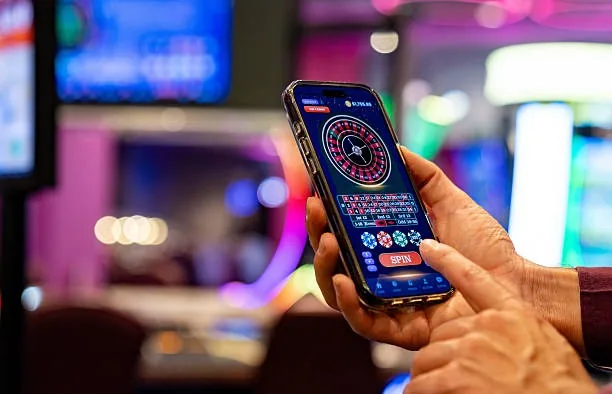

Mobile Access in 3 Steps
Getting into the vk999a lobby on your phone takes under a minute. The steps below work whether you are using a saved browser shortcut or checking whether a dedicated app build is currently available for your device. Players in Karachi and elsewhere around Pakistan follow the same path — no extra downloads needed for browser access, and no changes to your account.
Check that your device meets the browser requirements in the compatibility section below before you start.
- Open the Current Site — Navigate to vk999a in your phone browser. The mobile layout loads automatically — no separate mobile URL and no redirect needed.
- Check App Availability — Look for the app download prompt or banner on the homepage. If a native build is currently available for Android or iOS, the link will appear there with the correct version for your device.
- Sign In Securely — Log in with your account credentials. On a supported device, set up fingerprint login from the security settings so future visits skip the password step entirely.
- Pin for Quick Return — Add the site to your home screen from your browser menu. The shortcut opens the lobby directly next time — same as a native app icon, no app store required.